
Guides for restaurants already running on SajiloRestaurant — and a look at what support involves if you are still deciding.
Nobody is handed a login and left to work it out.
We load your menu, configure your branches and tax settings, and create accounts for your team.
A walkthrough per role. Waiters on order taking, kitchen on the display, cashiers on billing.
We stay reachable through your first real service so anything unexpected gets answered immediately.
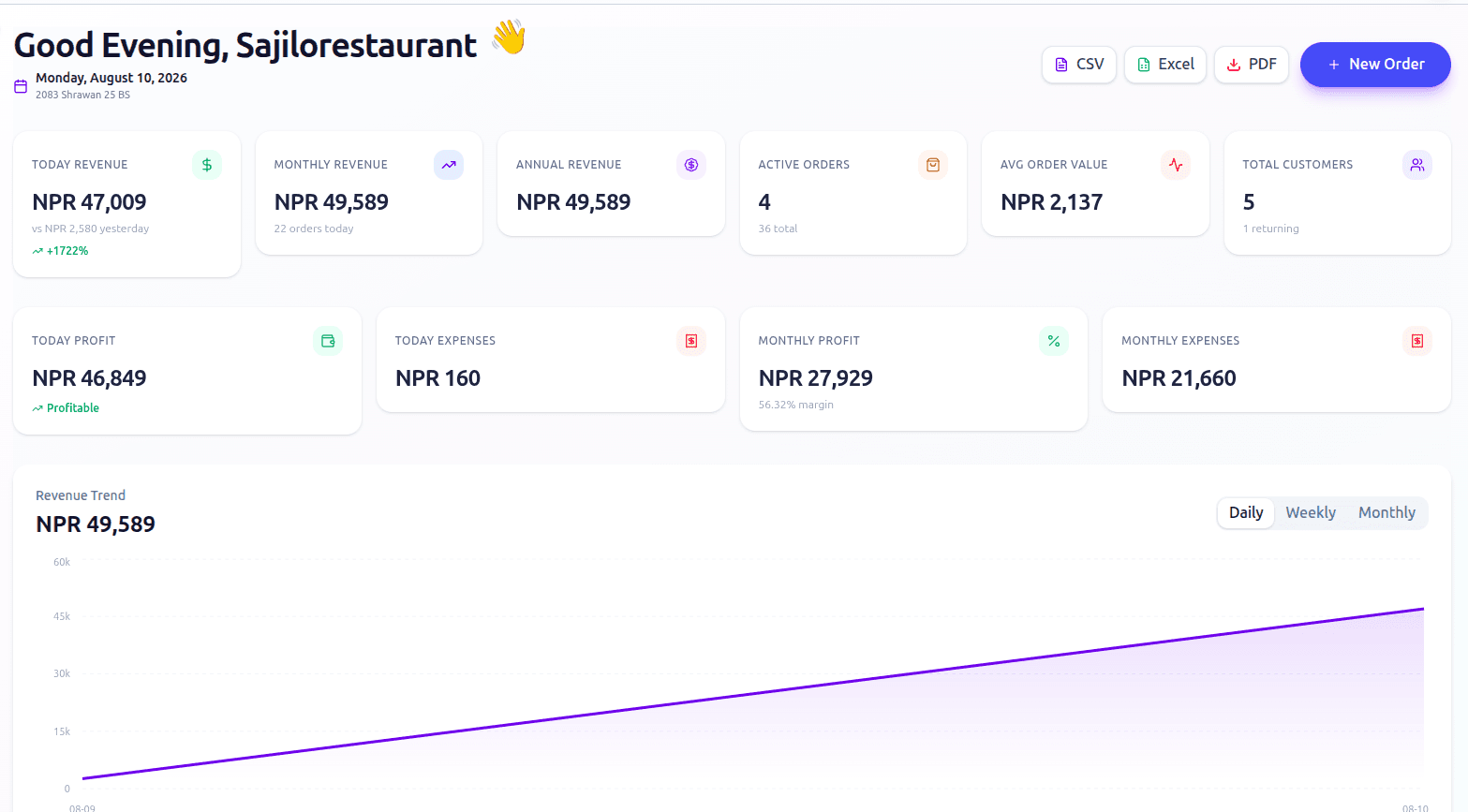
We go through your first week of numbers with you so the reports mean something rather than just existing.
Written for the person doing the job, not for a developer.
Branches, tax rates, service charge, receipt details and opening hours. We do this with you during onboarding, but here is what each setting does.
Categories, items, size variants, paid add-ons, dietary flags and photos. Includes how to mark something unavailable mid-service.
Creating accounts, choosing a role, and adjusting individual permissions so each person sees only what their job needs.
Reading tickets, marking items preparing and ready, and what happens when the connection drops briefly.
Generating bills, splitting them, taking part payment, and reconciling each payment method at close.
Adding SajiloRestaurant to the home screen on Android, iPhone, Windows and Mac. Takes under a minute per device.
Full written guides are being published. Until then, your account manager walks you through any of these on request.
What the software is doing while you are running service.
Support is a person, not a ticket queue. Phone, email, WhatsApp or Viber during business hours. Professional customers get priority response and Enterprise customers get a dedicated account manager with 24/7 cover.
Setup, menu configuration and staff training are included on every plan — this is what you would get.